
Shimeji Browser Extension for Chrome and Edge
Add animated Shimeji to web pages in desktop Chrome or Edge. Install Shimejis Reading Pets, pick a compatible character, and open it from the extension.


Turn a Photo into Your Own Shimeji
Turn a portrait, pet photo, or original character into an animated companion for Chrome or Edge.


Portrait example · 96 animation frames






Shimeji characters for the browser extension
589 characters
 Rainbow Dash
My Little Pony: Friendship Is Magic
 Ralsei
DELTARUNE
 Roblox Noob
Roblox
 Sasha Braus
Attack on Titan
 The Second Coming
Animator vs. Animation
 Victim
Animator vs. Animation
 Yellow
Animator vs. Animation
 Ymir
Attack on Titan
 Annie Leonhart
Attack on Titan
 Armin Arlert
Attack on Titan
 Connie Springer
Attack on Titan
 Eren Yeager
Attack on Titan
 Hange Zoë
Attack on Titan
 Historia Reiss
Attack on Titan
 Jean Kirstein
Attack on Titan
 Levi Ackerman
Attack on Titan
 Marshall Lee
Adventure Time
 Mikasa Ackerman
Attack on Titan
 Miles Edgeworth
Ace Attorney
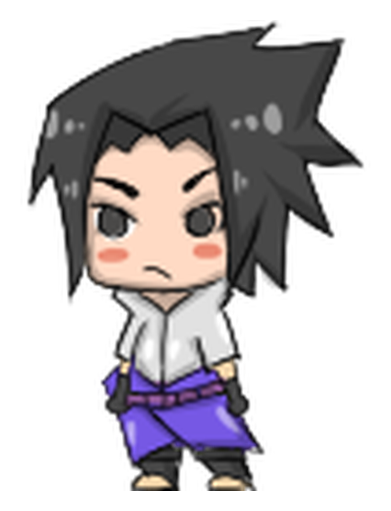 Sasuke Uchiha
Naruto
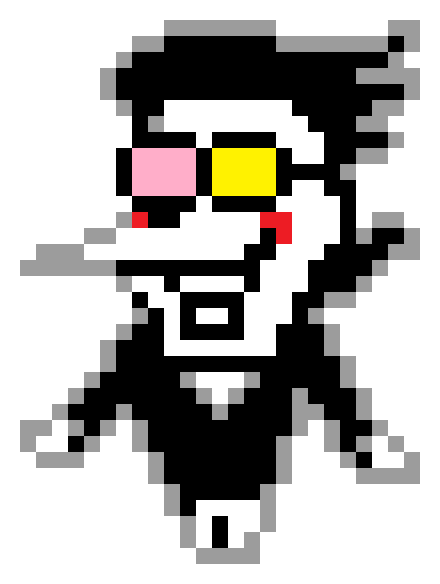 Spamton
DELTARUNE
 Tenna
DELTARUNE
 Vegeta
Dragon Ball
 Cuphead
 Katsuki Bakugo
My Hero Academia
 Baldi
Baldi's Basics
 Four
Battle for Dream Island
 One
Battle for Dream Island
 Three
Battle for Dream Island
 Two
Battle for Dream Island
 X
Battle for Dream Island
 Brief
Panty & Stocking with Garterbelt
 Chuck
Panty & Stocking with Garterbelt
 Deidara
Naruto
 Flowey
UNDERTALE
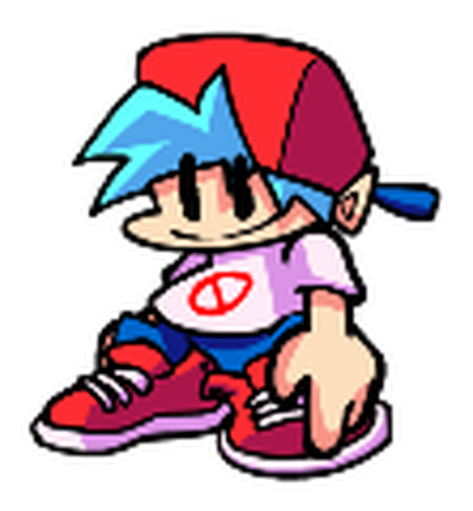 Boyfriend
Friday Night Funkin'
 Morty Smith
Rick and Morty
 Ochaco Uraraka
My Hero Academia
 Pomni
The Amazing Digital Circus
 Stocking Anarchy
Panty & Stocking with Garterbelt
 Aoki Lapis
Vocaloid
 Asriel Dreemurr
UNDERTALE
 BadBoyHalo
Dream SMP
 Bomby
Battle for Dream Island
 Fries
Battle for Dream Island
 Dream
Dream SMP
 Fukase
Vocaloid
 Kasane Teto
UTAU
Advanced: manual Browser Pets installation
Install the downloadable development version
The store extension above is the usual choice. This separate Browser Pets package is for people who want to load compatible library characters by page link.
Download Browser Pets ZIP ↓- Extract the ZIP to a folder you will keep.
- Open chrome://extensions or edge://extensions and enable Developer mode.
- Select Load unpacked and choose the folder containing manifest.json.
- Open an ordinary web page, open Browser Pets, paste a compatible character page link, then select Add to this page.