
Shimeji Browser Extension for Chrome and Edge
Add animated Shimeji to web pages in desktop Chrome or Edge. Install Shimejis Reading Pets, pick a compatible character, and open it from the extension.

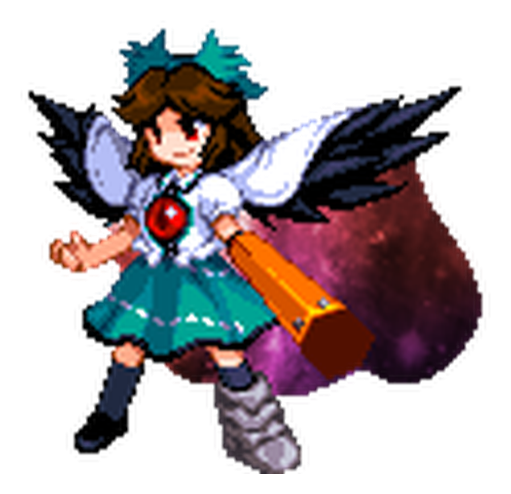

Turn a Photo into Your Own Shimeji
Turn a portrait, pet photo, or original character into an animated companion for Chrome or Edge.


Portrait example · 96 animation frames






Shimeji characters for the browser extension
32 characters
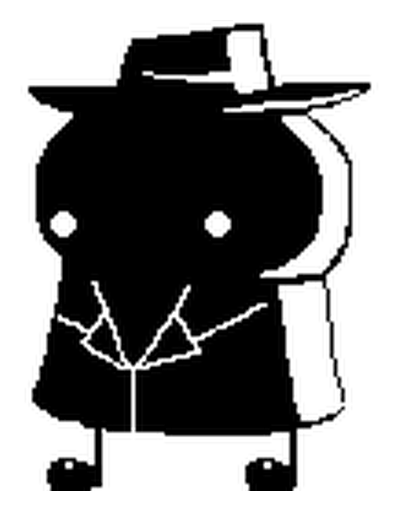 Clubs Deuce
Homestuck
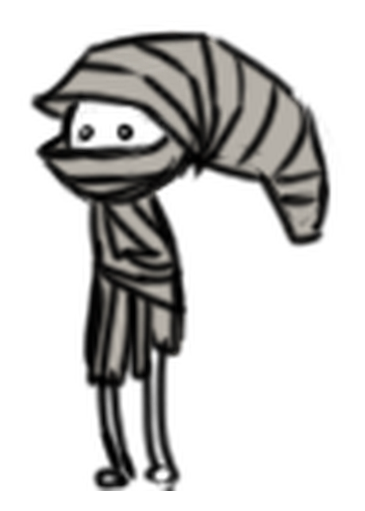 Peregrine Mendicant
Homestuck
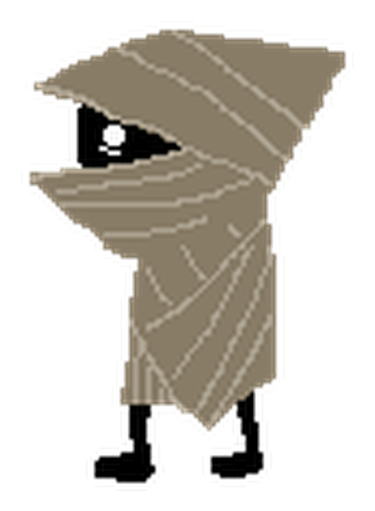 Wayward Vagabond
Homestuck
 Aradia Megido
Homestuck
 Calliope
Homestuck
 Eridan Ampora
Homestuck
 Jade Harley
Homestuck
 Rose Lalonde
Homestuck
 Casey
Homestuck
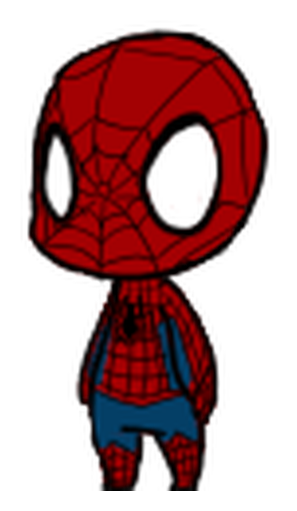 Spider-Man
Marvel Comics
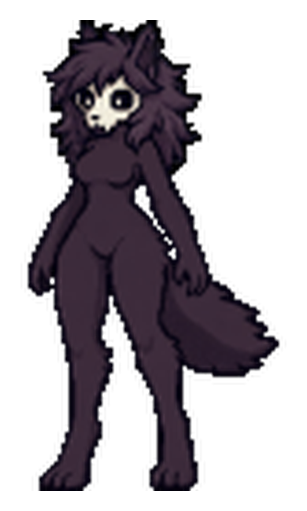 MalO
SCP Foundation
 Satoru Tsukada
Randal’s Friends
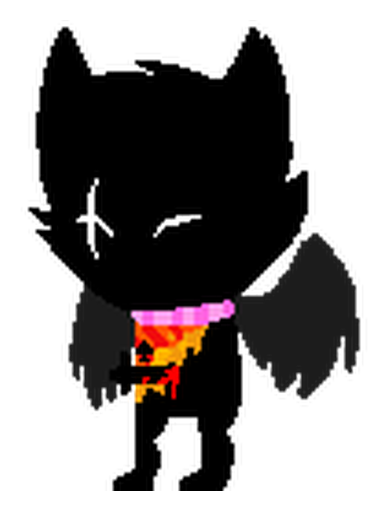 Bec Noir
Homestuck
 Dad Egbert
Homestuck
 Dave Strider
Homestuck
 Feferi Peixes
Homestuck
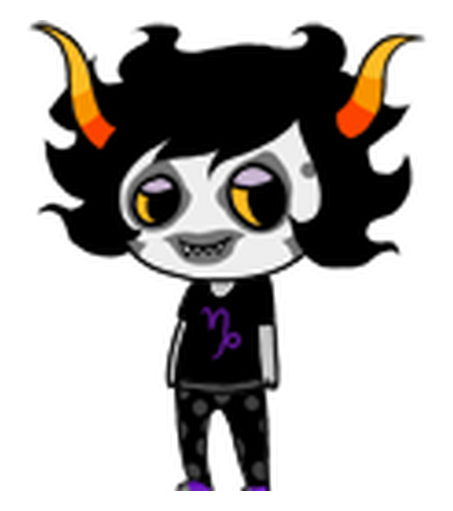 Gamzee Makara
Homestuck
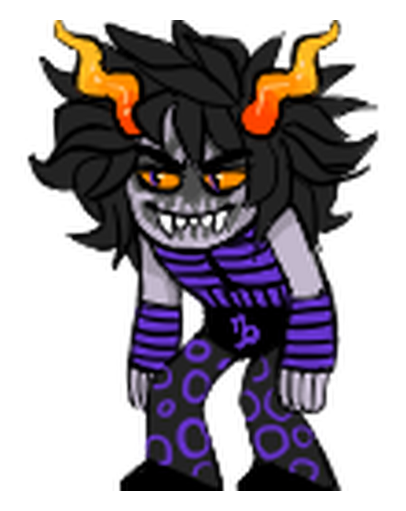 Grand Highblood
Homestuck
 Kanaya Maryam
Homestuck
 Karkat Vantas
Homestuck
 Marquise Mindfang
Homestuck
 Nepeta Leijon
Homestuck
 Sollux Captor
Homestuck
 Tavros Nitram
Homestuck
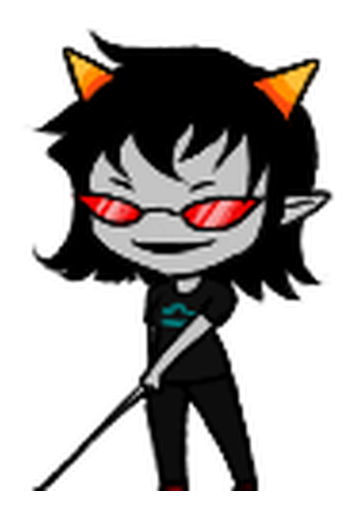 Terezi Pyrope
Homestuck
 The Condesce
Homestuck
 Vriska Serket
Homestuck
 Jake English
Homestuck
 Roxy Lalonde
Homestuck
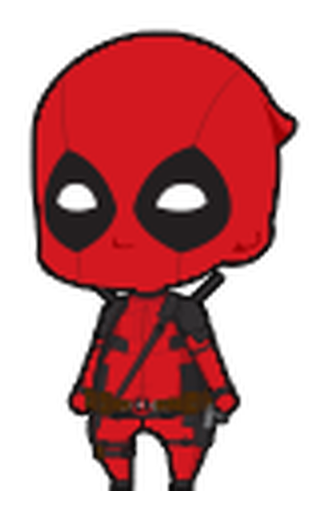 Deadpool
Marvel Comics
 Mina Mongoose
Sonic the Hedgehog
 Diego Brando
JoJo’s Bizarre Adventure: Steel Ball Run
Advanced: manual Browser Pets installation
Install the downloadable development version
The store extension above is the usual choice. This separate Browser Pets package is for people who want to load compatible library characters by page link.
Download Browser Pets ZIP ↓- Extract the ZIP to a folder you will keep.
- Open chrome://extensions or edge://extensions and enable Developer mode.
- Select Load unpacked and choose the folder containing manifest.json.
- Open an ordinary web page, open Browser Pets, paste a compatible character page link, then select Add to this page.