
Shimeji Browser Extension for Chrome and Edge
Add animated Shimeji to web pages in desktop Chrome or Edge. Install Shimejis Reading Pets, pick a compatible character, and open it from the extension.


Turn a Photo into Your Own Shimeji
Turn a portrait, pet photo, or original character into an animated companion for Chrome or Edge.


Portrait example · 96 animation frames






Shimeji characters for the browser extension
158 characters
 P-Head
PBS Logo Mascots
 Peridot
Steven Universe
 RRU
Cerebrum and RRU
 Blue
WDIF
 Cerebrum
 and RRU
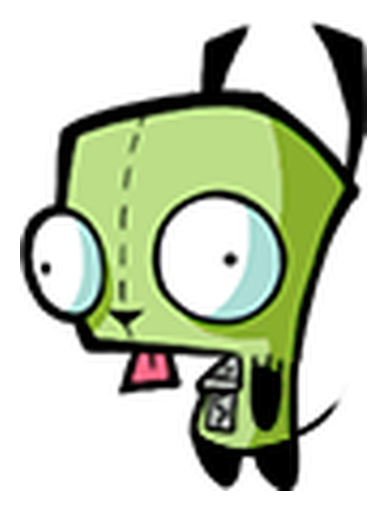 GIR
Invader Zim
 Hatsune Miku
Vocaloid
 Jax
The Amazing Digital Circus
 Jonathan Sims
The Magnus Archives
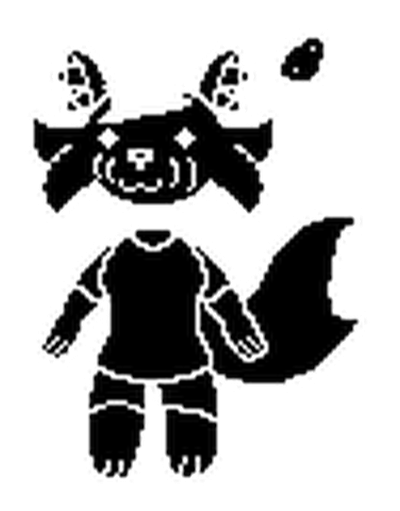 Lil Shimaja
 Phil
Phil Shimeji
 Señor Espinoza
 Mammoth
Microsoft Fluent Emoji
 Polar Bear
Microsoft Fluent Emoji
 Tiger
Microsoft Fluent Emoji
 Unicorn
Microsoft Fluent Emoji
 Wolf
Microsoft Fluent Emoji
 Badger
Microsoft Fluent Emoji
 Bat
Microsoft Fluent Emoji
 Boar
Microsoft Fluent Emoji
 Camel
Microsoft Fluent Emoji
 Cat
Microsoft Fluent Emoji
 Chipmunk
Microsoft Fluent Emoji
 Deer
Microsoft Fluent Emoji
 Dragon
Microsoft Fluent Emoji
 Eagle
Microsoft Fluent Emoji
 Fox
Microsoft Fluent Emoji
 Hamster
Microsoft Fluent Emoji
 Koala
Microsoft Fluent Emoji
 Leopard
Microsoft Fluent Emoji
 Lion
Microsoft Fluent Emoji
 Lizard
Microsoft Fluent Emoji
 Beaver
Microsoft Fluent Emoji
 Seal
Microsoft Fluent Emoji
 Turkey
Microsoft Fluent Emoji
 Butterfly
Microsoft Fluent Emoji
 Dodo
Microsoft Fluent Emoji
 Dolphin
Microsoft Fluent Emoji
 Flamingo
Microsoft Fluent Emoji
 Jellyfish
Microsoft Fluent Emoji
 Llama
Microsoft Fluent Emoji
 Lobster
Microsoft Fluent Emoji
 Octopus
Microsoft Fluent Emoji
 Peacock
Microsoft Fluent Emoji
 Raccoon
Microsoft Fluent Emoji
 Shark
Microsoft Fluent Emoji
 Skunk
Microsoft Fluent Emoji
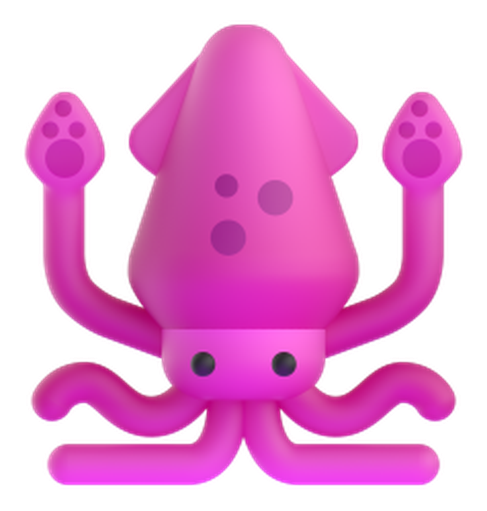 Squid
Microsoft Fluent Emoji
Advanced: manual Browser Pets installation
Install the downloadable development version
The store extension above is the usual choice. This separate Browser Pets package is for people who want to load compatible library characters by page link.
Download Browser Pets ZIP ↓- Extract the ZIP to a folder you will keep.
- Open chrome://extensions or edge://extensions and enable Developer mode.
- Select Load unpacked and choose the folder containing manifest.json.
- Open an ordinary web page, open Browser Pets, paste a compatible character page link, then select Add to this page.