
Shimeji Browser Extension for Chrome and Edge
Add animated Shimeji to web pages in desktop Chrome or Edge. Install Shimejis Reading Pets, pick a compatible character, and open it from the extension.

Turn a Photo into Your Own Shimeji
Turn a portrait, pet photo, or original character into an animated companion for Chrome or Edge.


Portrait example · 96 animation frames






Shimeji characters for the browser extension
158 characters
 Lumpy Space Princess
Adventure Time
 Mabel Pines
Gravity Falls
 Rainbow Dash
My Little Pony: Friendship Is Magic
 The Second Coming
Animator vs. Animation
 Victim
Animator vs. Animation
 Yellow
Animator vs. Animation
 Marshall Lee
Adventure Time
 Four
Battle for Dream Island
 One
Battle for Dream Island
 Three
Battle for Dream Island
 Two
Battle for Dream Island
 X
Battle for Dream Island
 Morty Smith
Rick and Morty
 Pomni
The Amazing Digital Circus
 Aoki Lapis
Vocaloid
 Bomby
Battle for Dream Island
 Fries
Battle for Dream Island
 Fukase
Vocaloid
 Kasane Teto
UTAU
 Merli
Vocaloid
 Tom
Eddsworld
 Emily
Hazbin Hotel
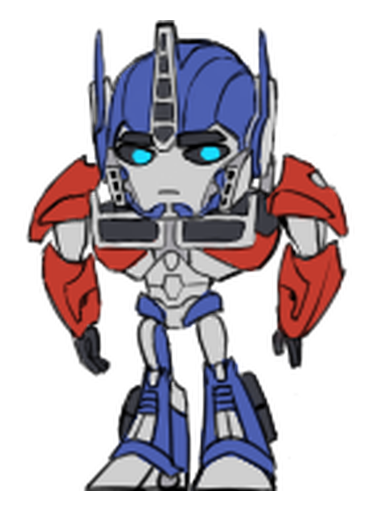 Optimus Prime
Transformers: Prime
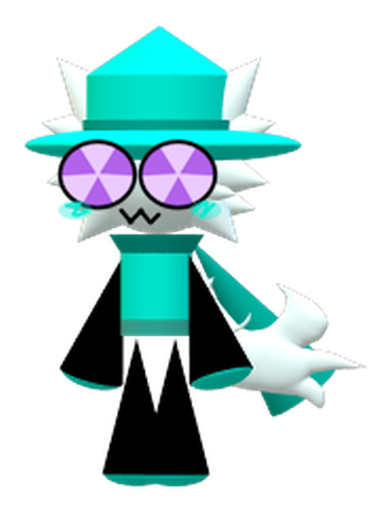 True Cellan
SeeStars Original Characters
 Kyle Broflovski
South Park
 Stan Marsh
South Park
 2-D
Gorillaz
 Gangle
The Amazing Digital Circus
 Queenie
The Amazing Digital Circus
 Token
Token
 Armand
Interview with the Vampire
 Butters Stotch
South Park
 Bubble
The Amazing Digital Circus
 Angel Dust
Hazbin Hotel
 Kamui Gakupo
Vocaloid
 Len Kagamine
Vocaloid
 Rin Kagamine
Vocaloid
 KAITO
Vocaloid
 Megurine Luka
Vocaloid
 Pink-Eared Doodle Cat
 Duxo
Duxo
 Hank J. Wimbleton
Madness Combat
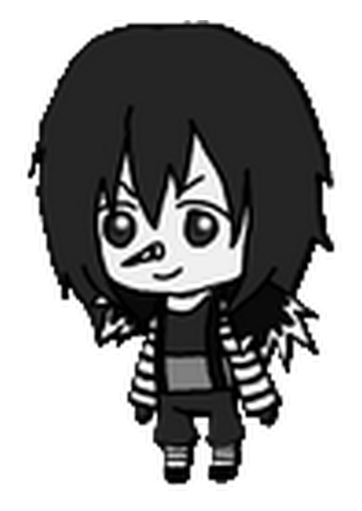 Laughing Jack
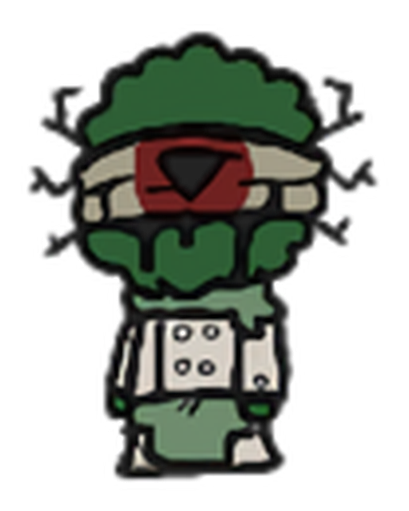 Tricky the Clown
Madness Combat
 Xav Lad
 Blocky
Battle for Dream Island
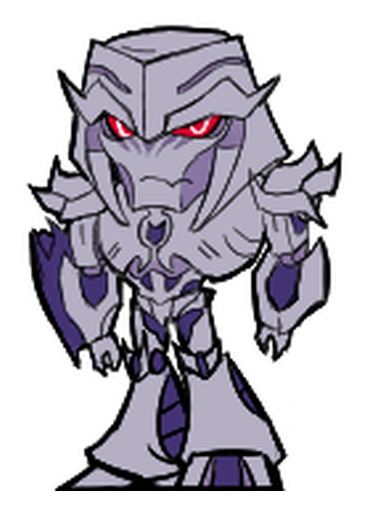 Megatron
Transformers: Prime
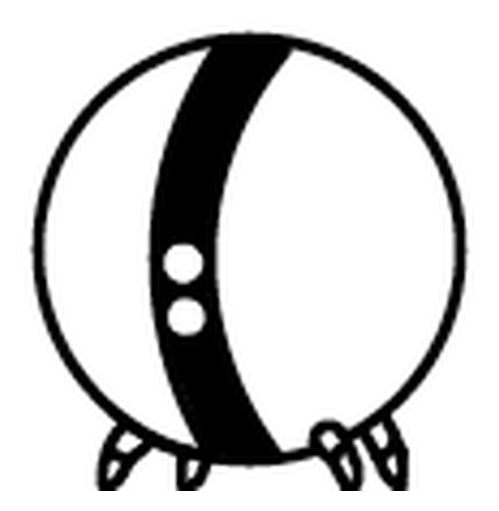 One-One
Infinity Train
Advanced: manual Browser Pets installation
Install the downloadable development version
The store extension above is the usual choice. This separate Browser Pets package is for people who want to load compatible library characters by page link.
Download Browser Pets ZIP ↓- Extract the ZIP to a folder you will keep.
- Open chrome://extensions or edge://extensions and enable Developer mode.
- Select Load unpacked and choose the folder containing manifest.json.
- Open an ordinary web page, open Browser Pets, paste a compatible character page link, then select Add to this page.